
In multi-subsystems systems, a different audience can be defined per subsystem.
The audience be segmented by a profile fields (country, department, user type etc.)
To configure the subsystem's audience, first go to the System Settings and enter "subsystems":
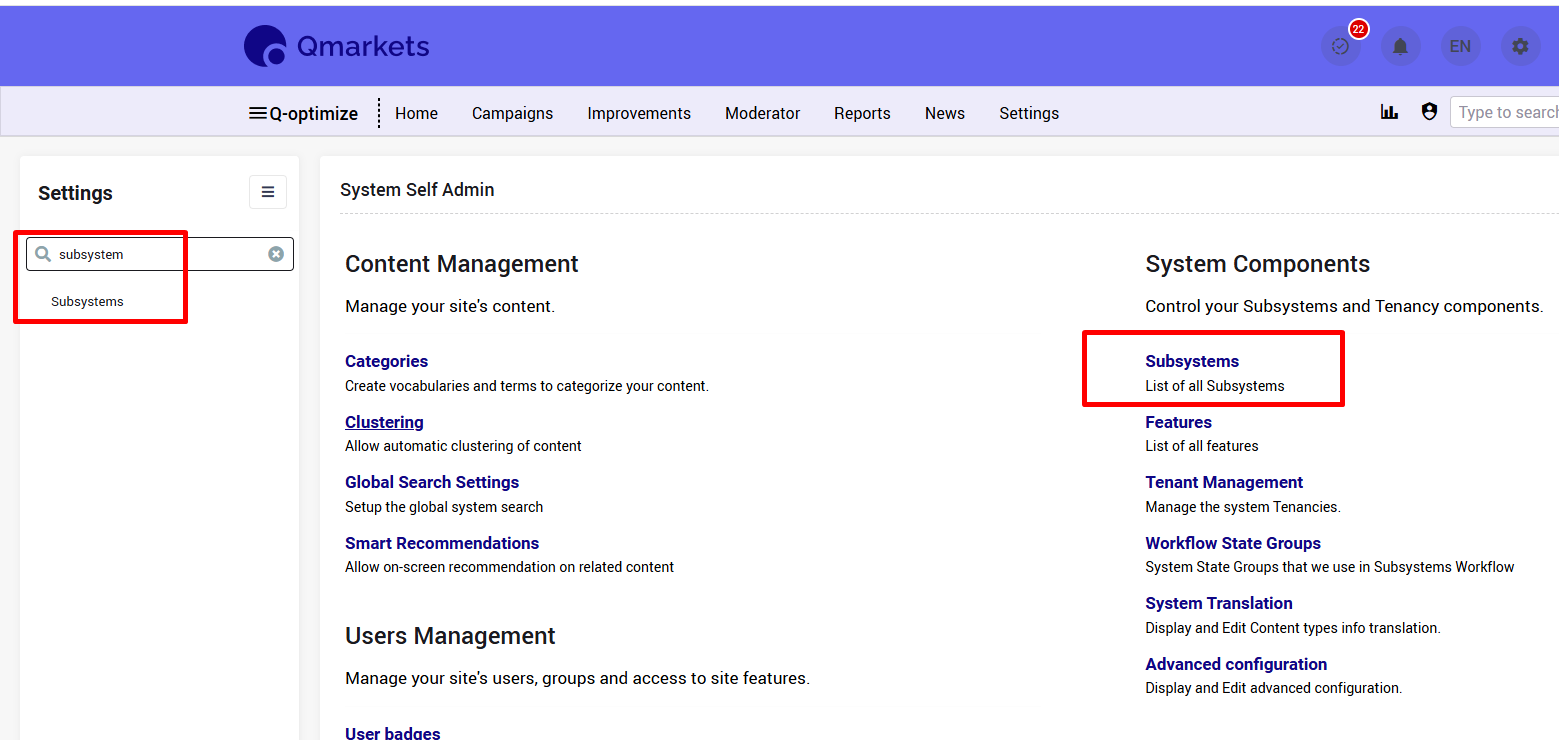
From the subsystems list - click on the relevant one.
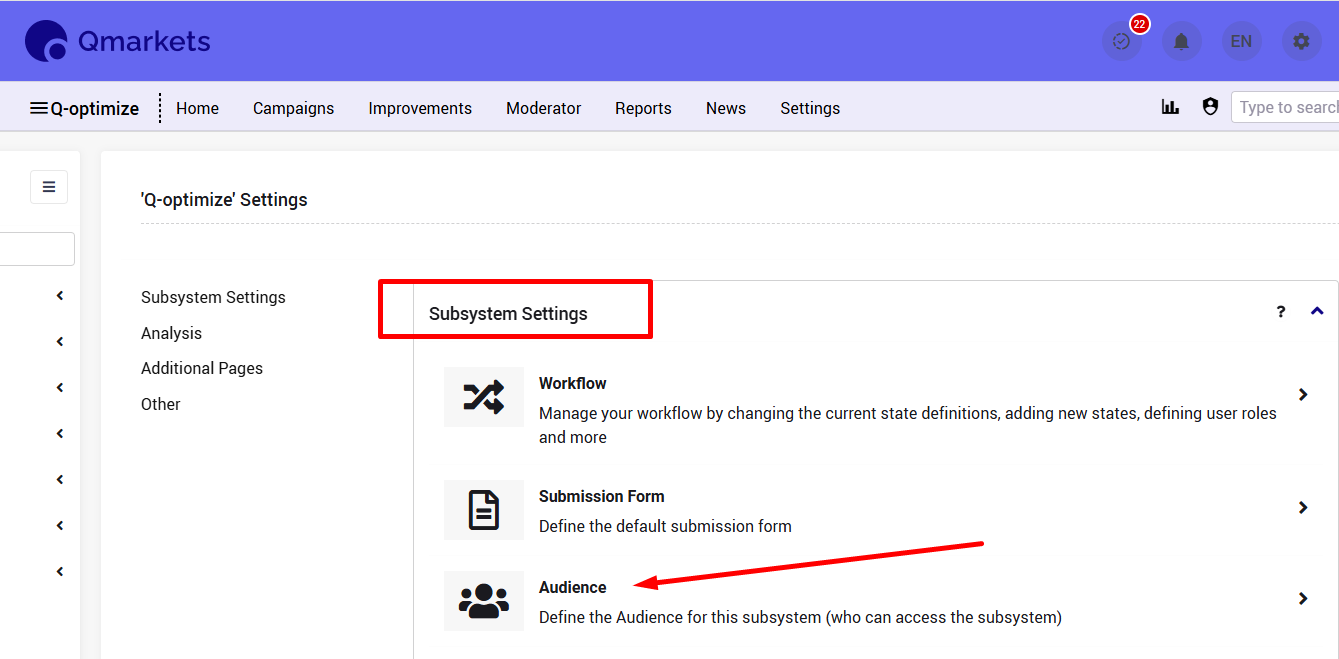
From the Subsystem Settings - choose 'Audience':
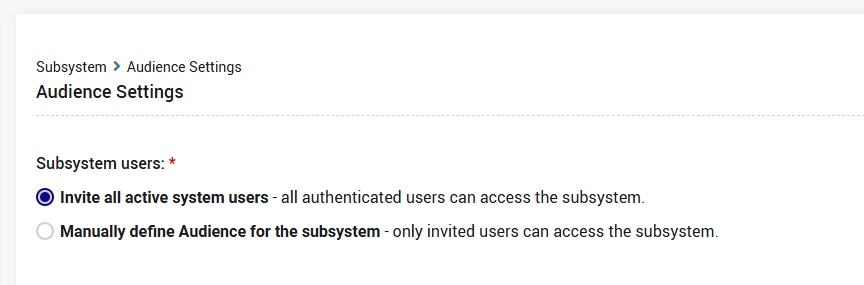
Default is - Invite all active system users:
If you wish to limit the subsystem's audience, please choose the 2nd option - Manually define Audience for the subsystem:
Here you can define the audience in 2 methods:
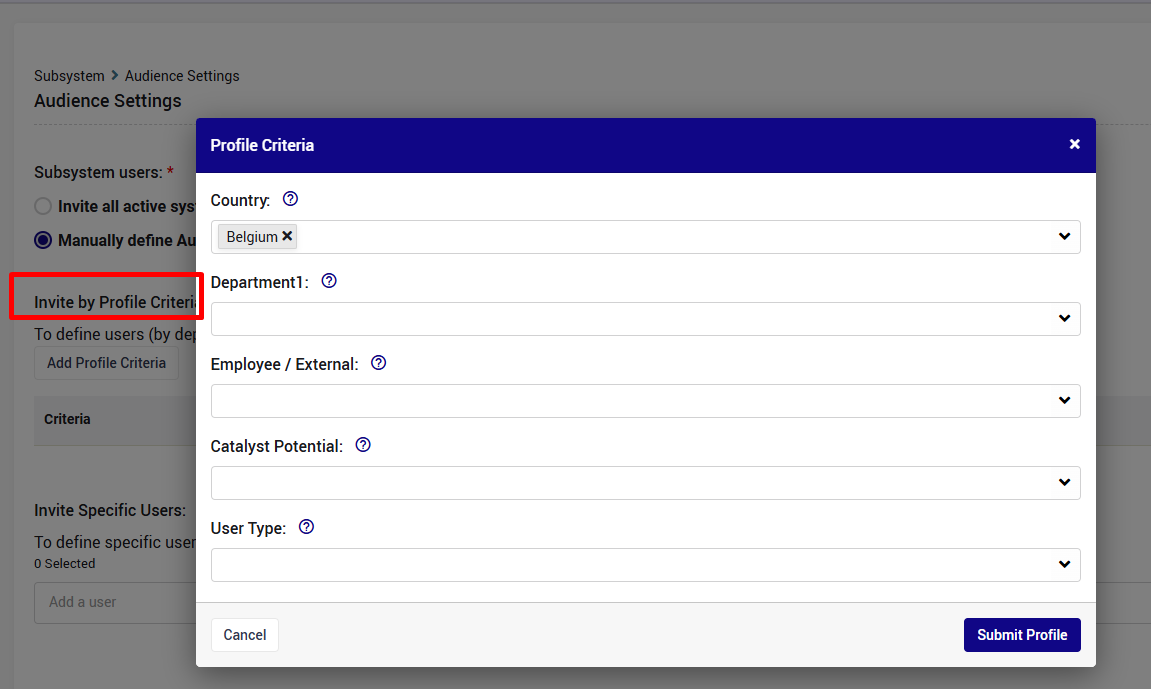
All users that have specific values in specific profile fields
And/Or
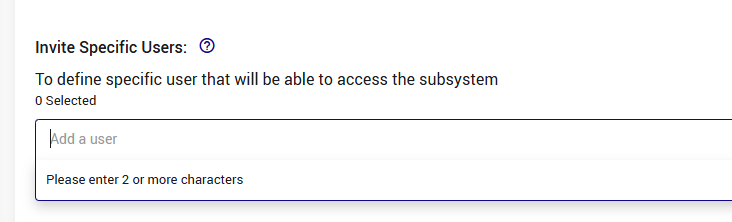
Select specific users
1. Method 1:
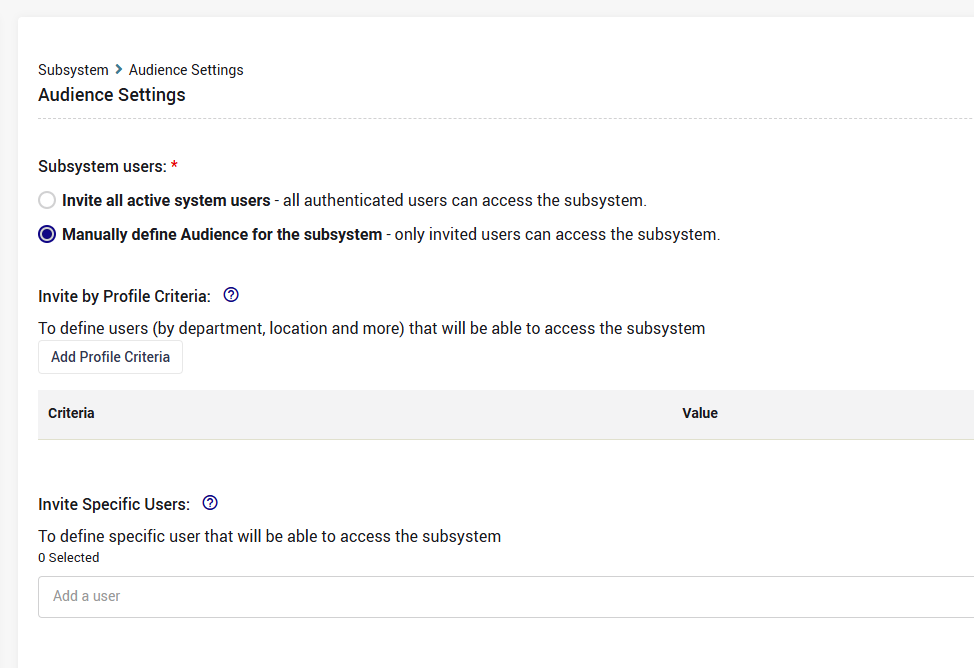
Click the 'Add Profile Criteria' button and choose the profile field and its value:
2. Method 2:
Manually add relevant users by typing their full name/email:
* System administrators will naturally be able to access all subsystems, even if access is limited.